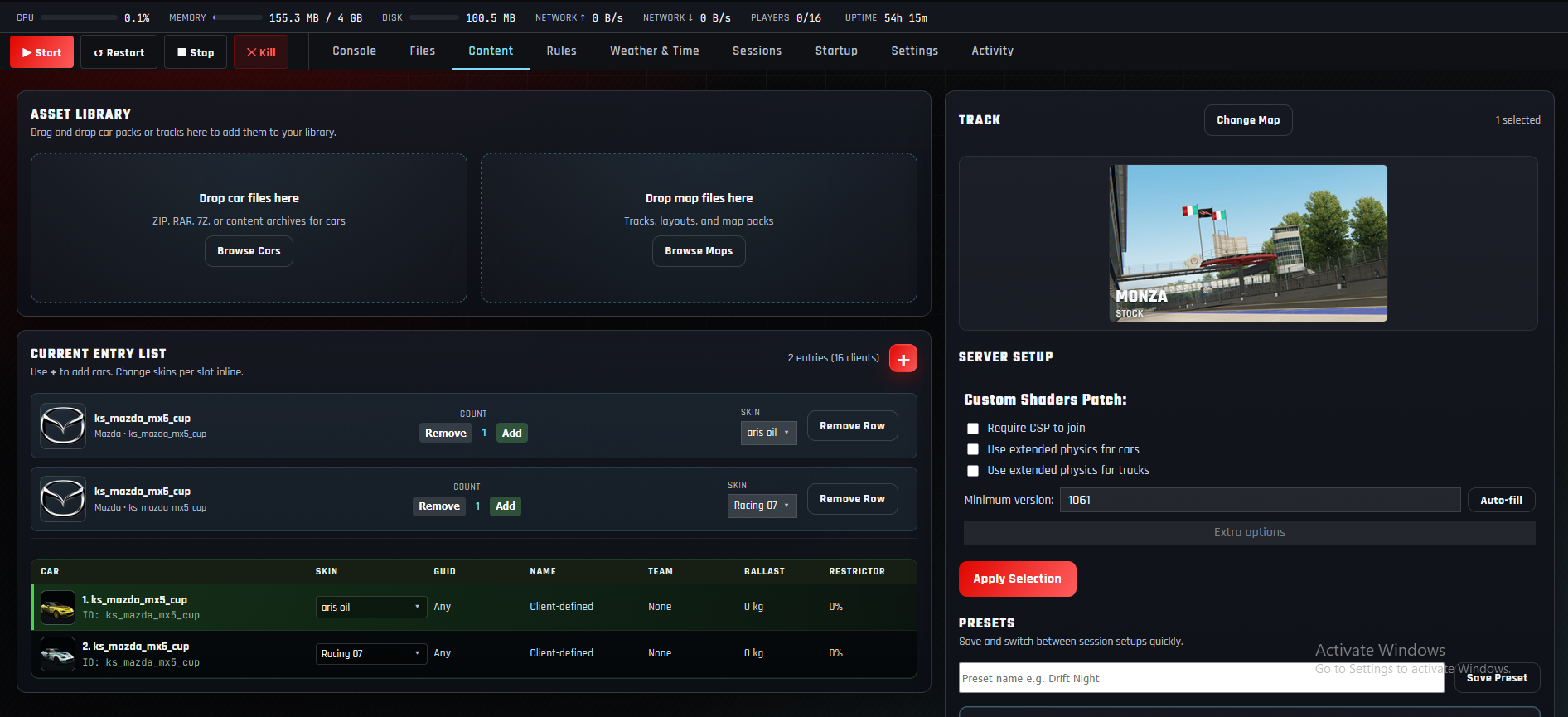
Featured guide
How to Make an Assetto Corsa Server in 2026
A complete step-by-step guide to creating your own Assetto Corsa server and getting online in minutes.
 Assetto Servers
Start Free Server
Assetto Servers
Start Free Server
Server setup, mods, custom cars and tracks, Content Manager, troubleshooting, and everything you need to run an Assetto Corsa server.
A complete step-by-step guide to creating your own Assetto Corsa server and getting online in minutes.
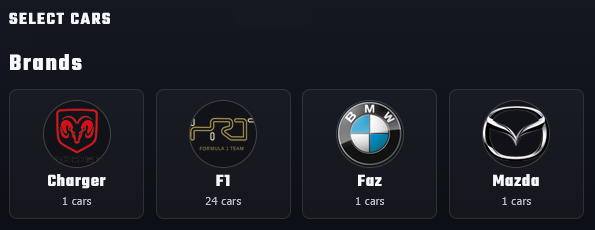
Upload custom cars, configure entry slots and skins, and test them with Content Manager.
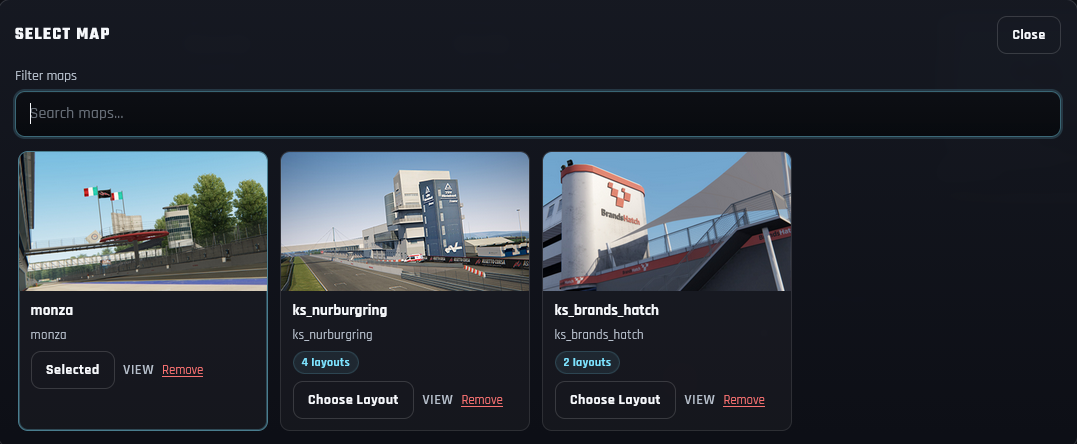
Upload custom tracks, choose layouts, and test them with Content Manager.
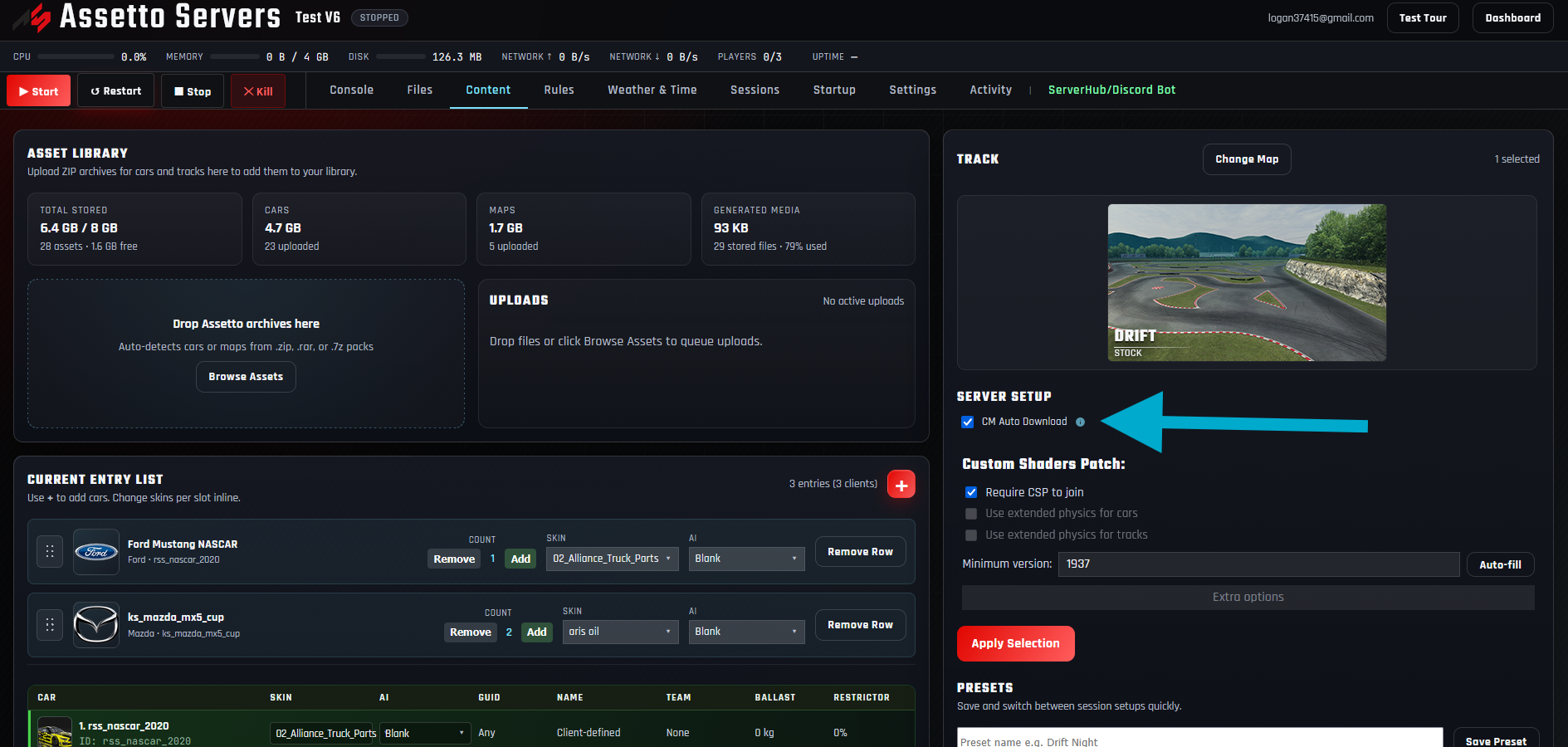
Publish the selected cars and track so Content Manager can download them from the Join link.
Find mismatched cars or tracks, install identical versions, and get back online.
Add a join password, use an optional unlisted mode, and invite only trusted drivers.
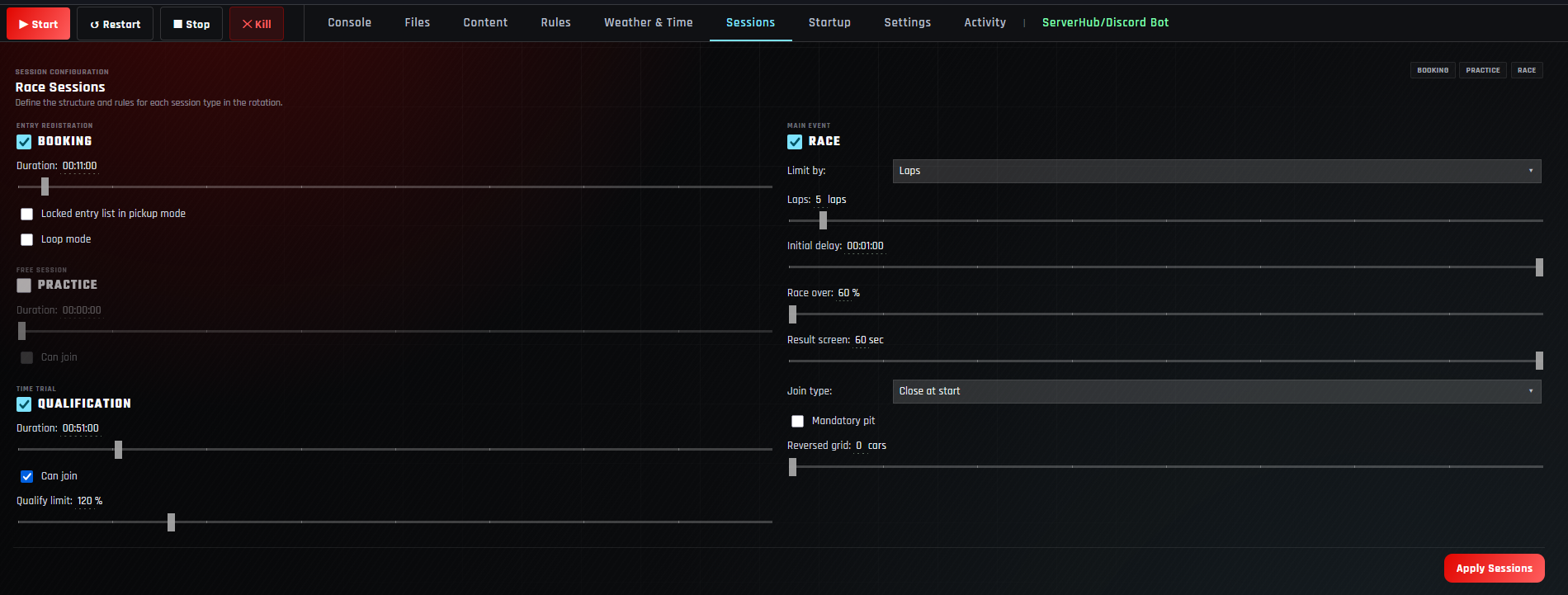
Set durations, joining rules, race length, pit requirements, and grid options.
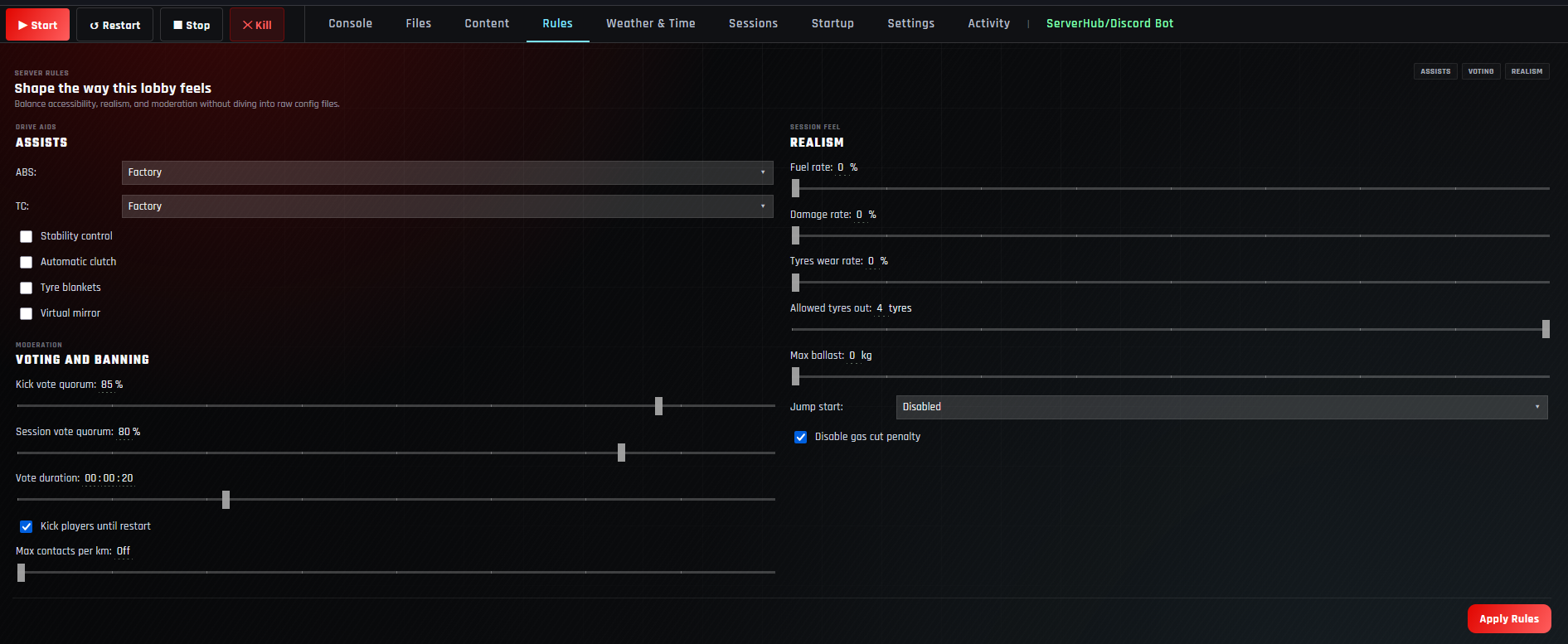
Choose assists, moderation, fuel, damage, tyre wear, track limits, and penalties.
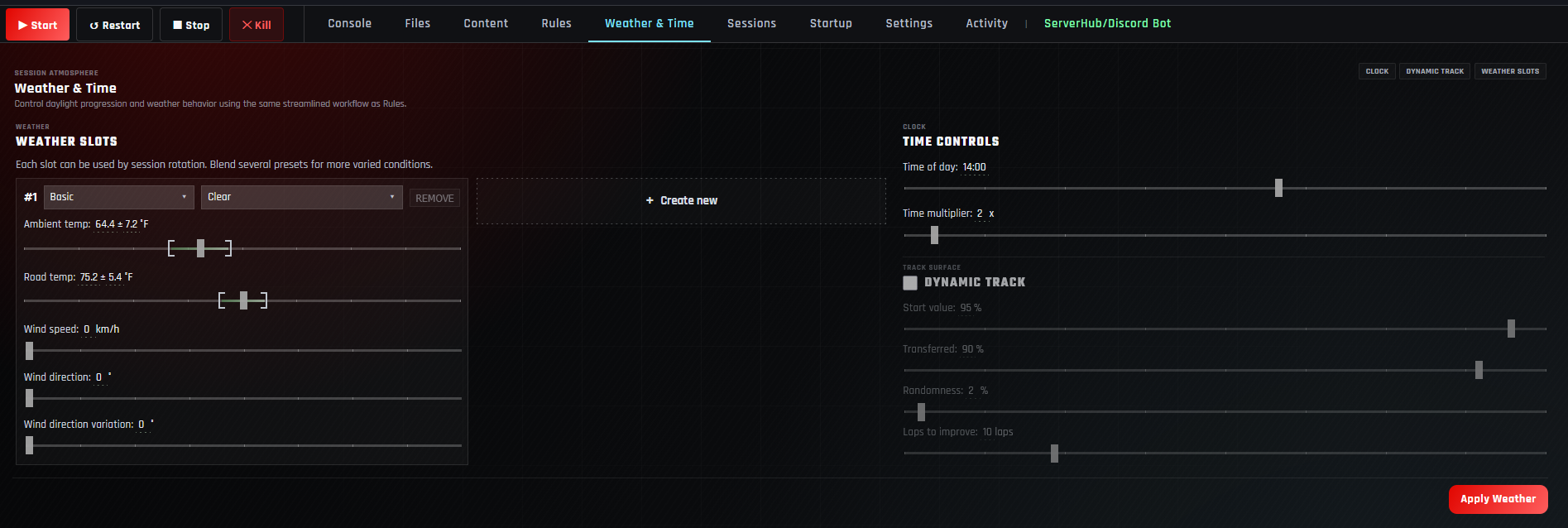
Set weather slots, temperatures, wind, time progression, and dynamic track grip.
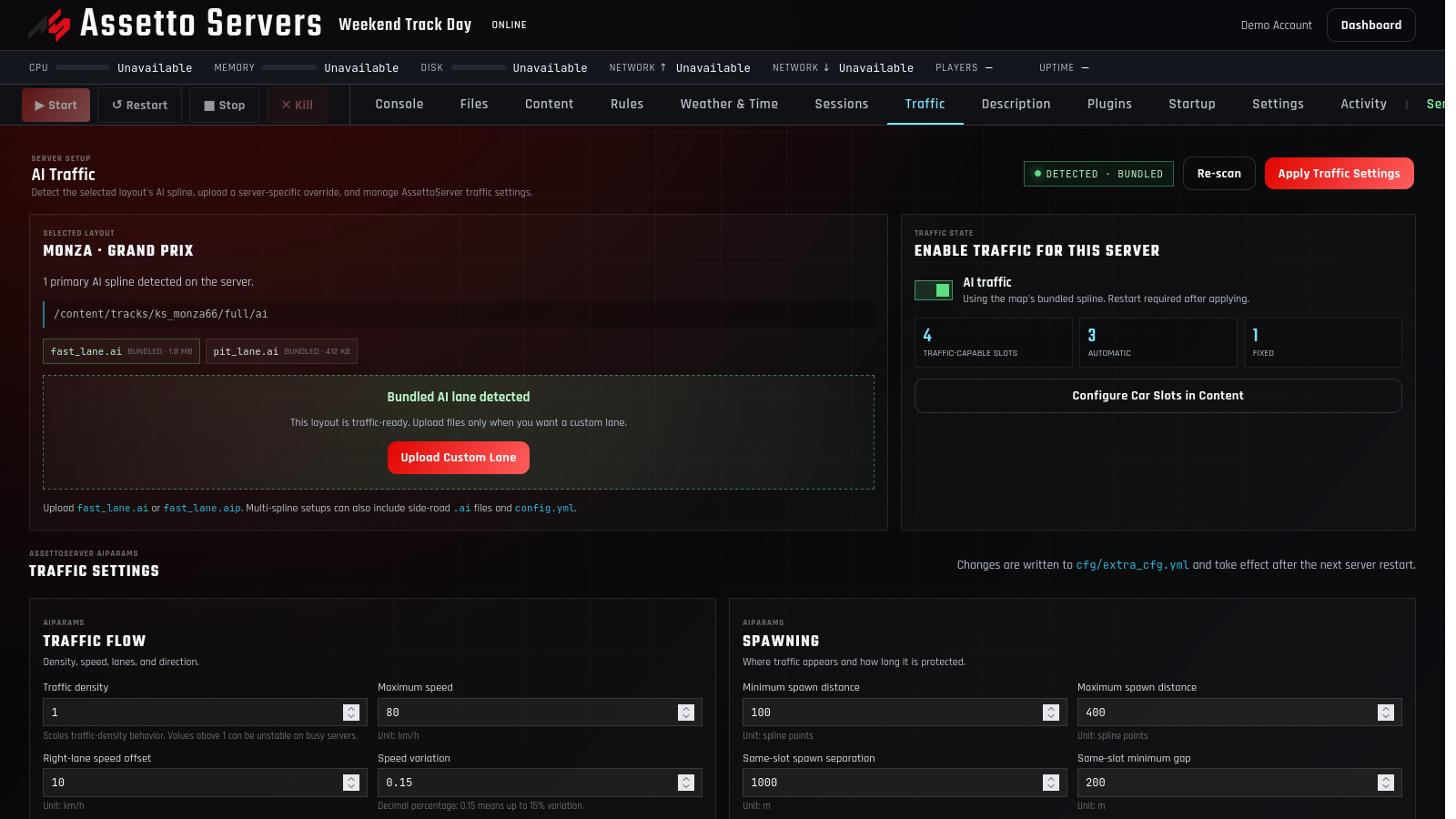
Detect an AI lane, assign traffic cars, and tune flow, spawning, and driving behavior.
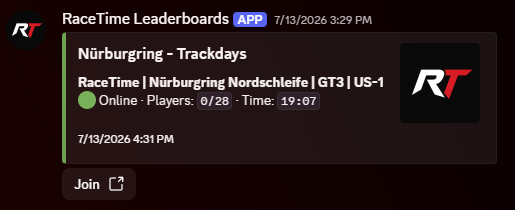
Create the bot, connect ServerHub, and publish live status with a one-click join command.
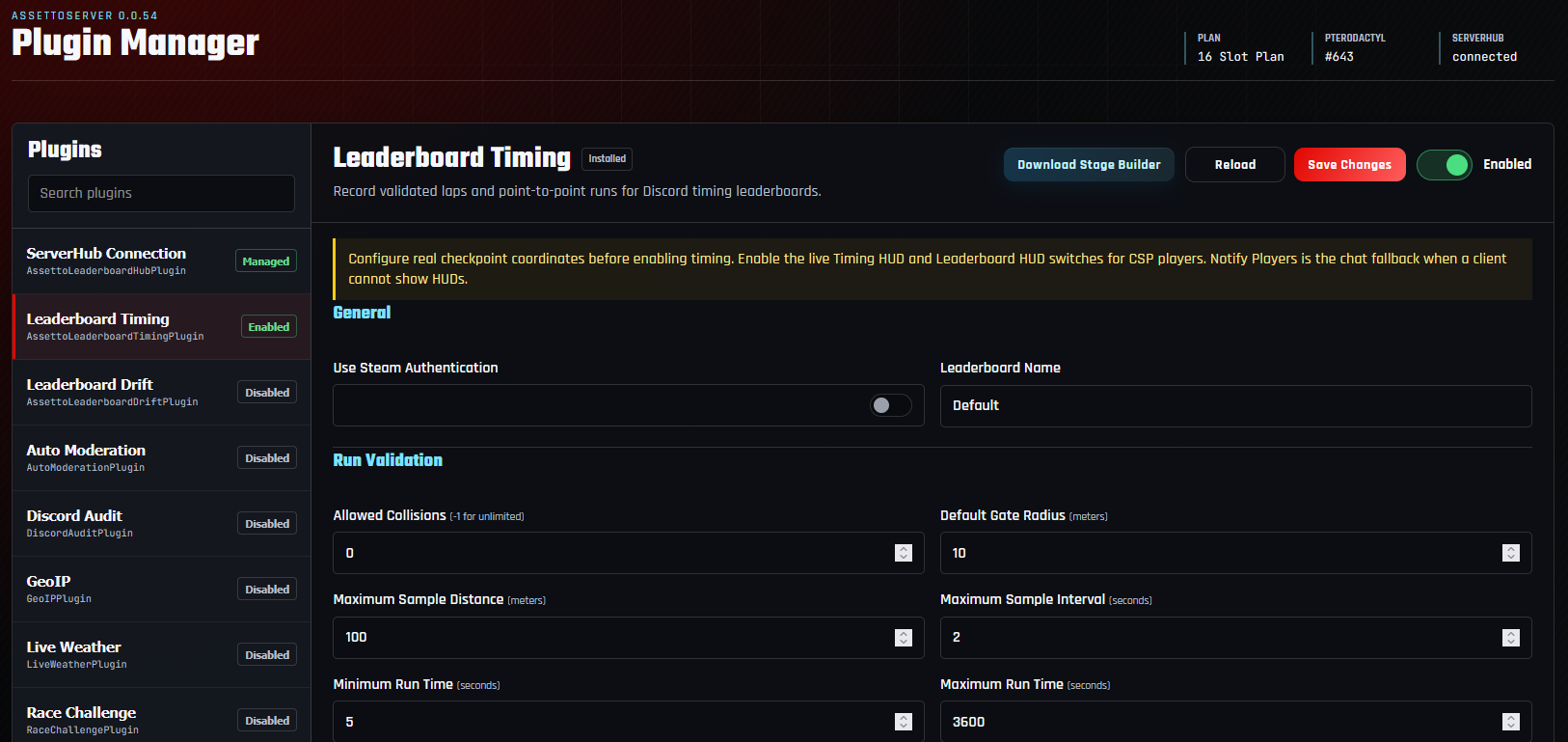
Install managed plugins, configure their settings, test them, and apply updates safely.
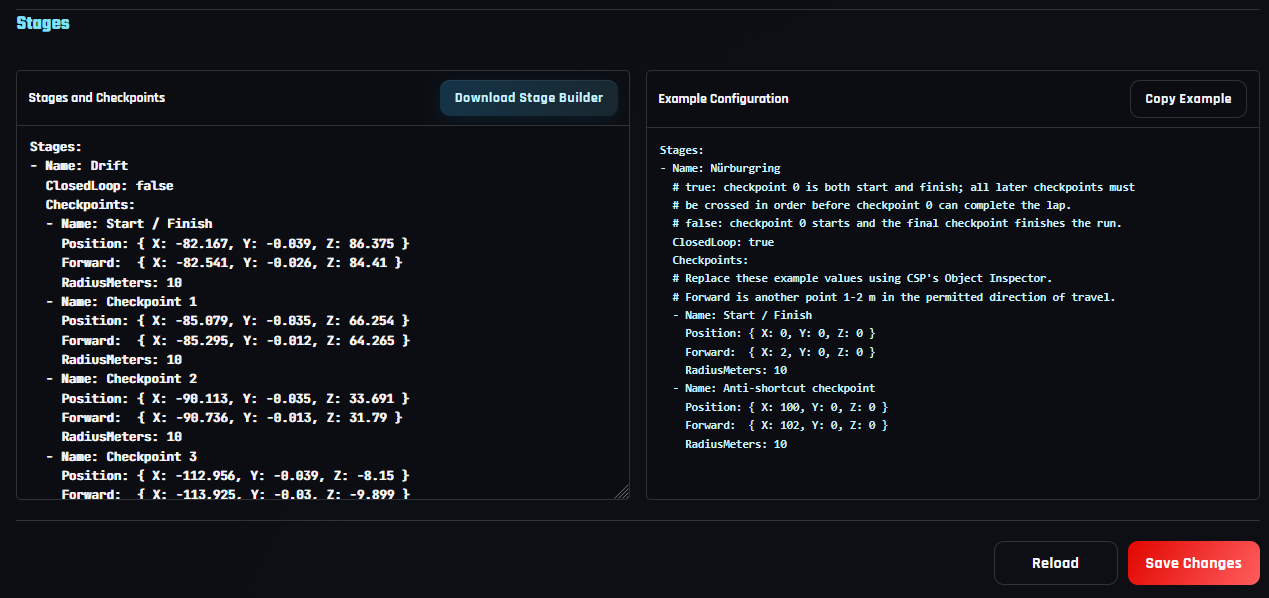
Capture a route with Stage Builder and publish validated results in game and Discord.
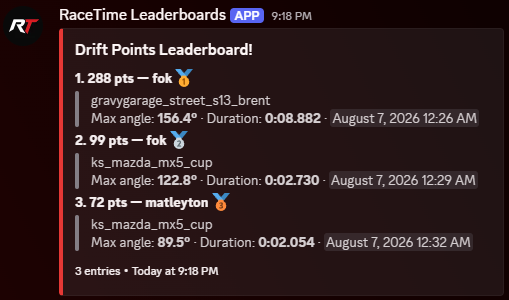
Score valid drift runs and publish an automatically updating community leaderboard.
Add a slash command for live status, players, session details, and a direct Join button.
Built for low latency and high FPS.
Servers close to your community.
Full support for custom content.
Help when your server needs it.